Create and manage LearnPress courses from the frontend
LearnPress - Frontend Editor
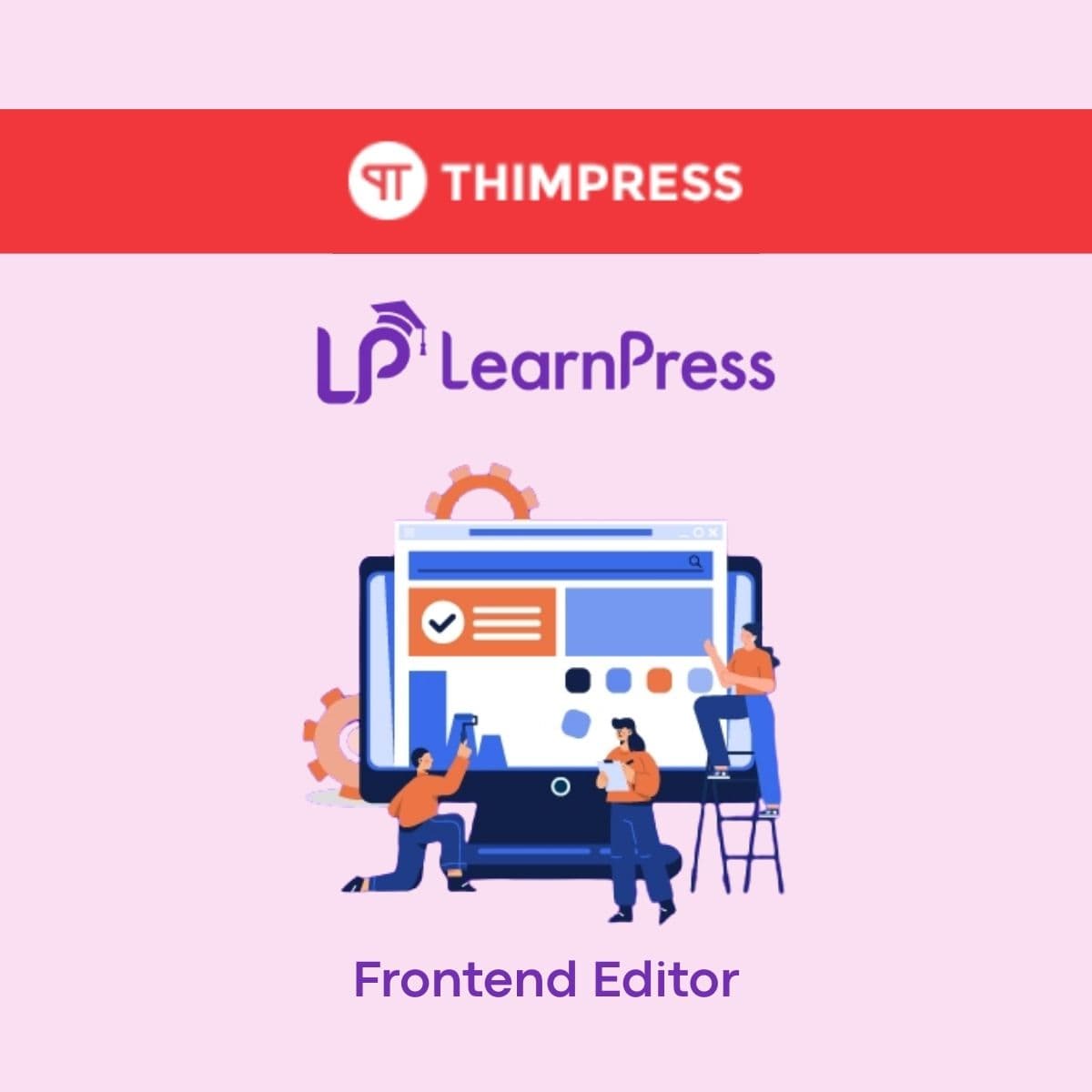
WordPress plugin that enables instructors to create, edit, and manage LearnPress courses directly from the website frontend without accessing the WordPress admin dashboard. Includes lesson builder, quiz creator, curriculum organizer, and course settings — all from a user-friendly frontend interface.
Included with purchase:
- 100% GPL Licensed
- Lifetime Updates
- Technical Support
- Instant Download
Download for Free
Get this product and unlock 4,500+ premium plugins & themes for just $15.00/month.
What is LearnPress - Frontend Editor?
LearnPress Frontend Editor is a premium WordPress plugin that allows instructors to create and manage LearnPress courses directly from the frontend of a WordPress site. This plugin is particularly useful for educational institutions and online course providers, as it streamlines the course creation process without requiring access to the WordPress admin dashboard. Key features include lesson building, quiz creation, curriculum organization, and customizable course settings. The intuitive frontend interface is designed specifically for educators, making it easy to manage courses effectively. This plugin is compatible with the latest WordPress versions, ensuring a reliable user experience. Available at PluginTheme.net with GPL license, instant download, and lifetime updates.
Key Features
Frontend Course Builder
Create courses with title, description, pricing, and categories from the frontend
Lesson Management
Add and edit lessons with content editor, video embeds, and downloadable materials
Quiz Creator
Multiple question types with configurable scoring and passing grades
Drag-and-Drop Curriculum
Organize sections and lessons with intuitive drag-and-drop reordering
Admin Approval
Optional review workflow before courses go live on the site
Who is this for?
Pros
- Instructors can manage courses without WordPress admin access
- Intuitive frontend interface designed for educators
- Drag-and-drop curriculum organization
- Quiz builder with multiple question types
- Admin approval workflow for quality control
Cons
- •Requires LearnPress as a dependency
- •Frontend editor may have fewer advanced options than the admin editor
- •Role and permission setup requires initial administrator configuration
Product Videos
Product Description
LearnPress Frontend Editor allows instructors to build and manage courses entirely from the frontend of your WordPress site. Instead of navigating the WordPress admin dashboard, instructors can create lessons, add quizzes, organize curriculum sections, and configure course settings through a streamlined frontend interface designed for educators rather than developers.
Frontend Course Builder
- Course Creation - Build new courses with title, description, thumbnail, pricing, and category assignment from a frontend form
- Lesson Management - Add, edit, reorder, and delete lessons with content editor, video embeds, and downloadable materials
- Quiz Builder - Create quizzes with multiple question types including multiple choice, true/false, fill-in-the-blank, and essay questions with configurable scoring
- Curriculum Organization - Drag-and-drop section and lesson ordering to structure course flow logically
Instructor Experience
The frontend interface simplifies course management for instructors who may not be comfortable with the WordPress admin. All editing tools are presented in a clean, focused layout that eliminates distractions from unrelated WordPress settings. Instructors can preview their course exactly as students will see it and make real-time adjustments.
Administrative Controls
Site administrators retain control over which users can access the frontend editor through role-based permissions. Submitted courses can require admin approval before publishing, and administrators can set guidelines for course quality, pricing limits, and content standards that instructors must follow.
Our Verdict
PluginTheme Team
Expert Reviewer
Frontend Editor provides a practical alternative to the WordPress admin for course management. The interface is cleaner for instructors, and the approval workflow gives administrators adequate control over published content.