
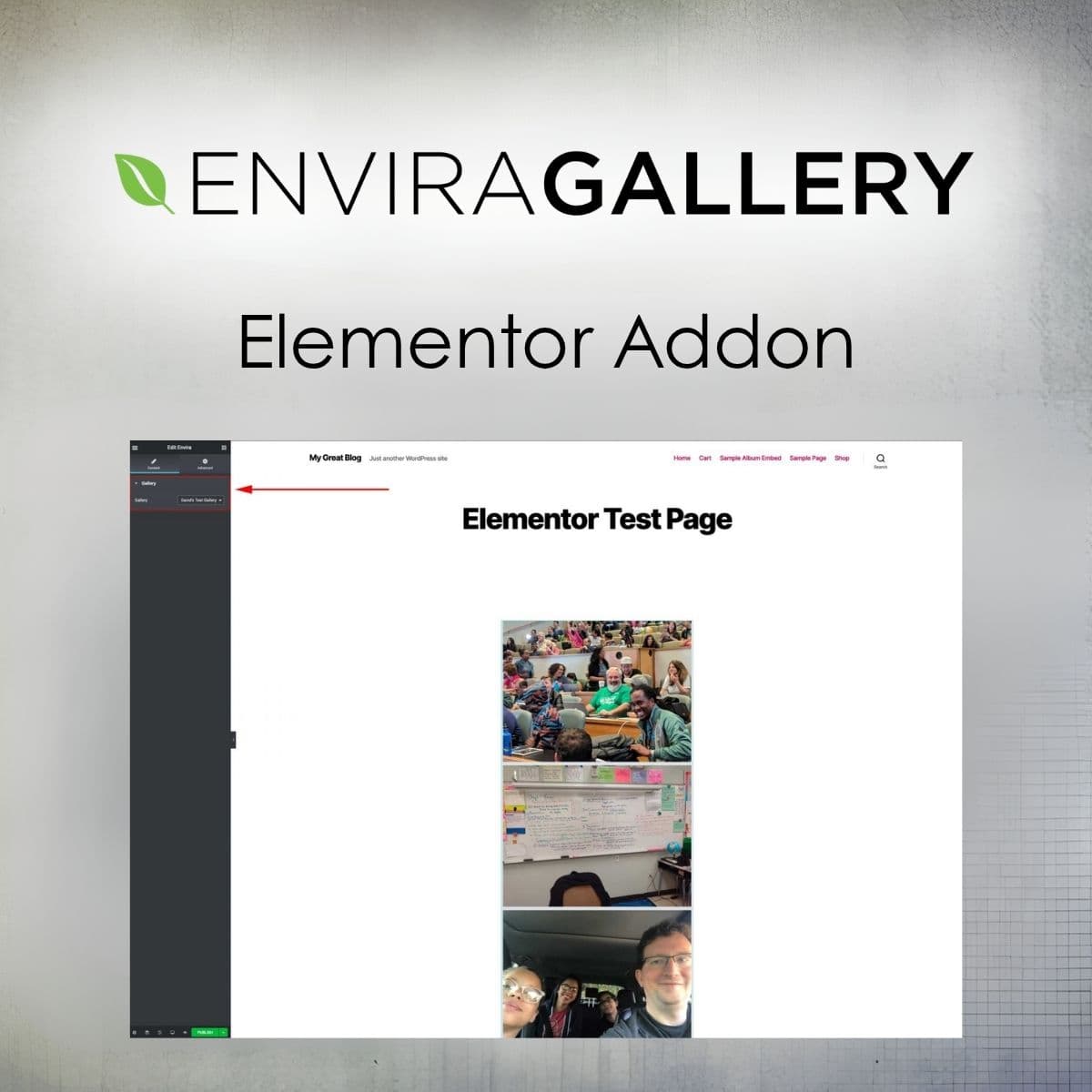
Integrate Envira Gallery with Elementor for easy gallery management.
Envira Gallery - Elementor Addon
Envira Gallery - Elementor Addon integrates Envira Gallery with Elementor, enabling seamless gallery placement without shortcodes.
Included with purchase:
- 100% GPL Licensed
- Lifetime Updates
- Technical Support
- Instant Download
Download for Free
Get this product and unlock 4,500+ premium plugins & themes for just $15.00/month.
What is Envira Gallery - Elementor Addon?
Envira Gallery - Elementor Addon is a powerful tool that allows users to integrate Envira galleries directly into Elementor pages. This addon simplifies the process of adding galleries without the need for shortcodes, offering customizable options for layout and lightbox settings. Available at PluginTheme.net with instant download and GPL license.
Key Features
Seamless Integration
Easily add Envira galleries to Elementor pages without the need for shortcodes.
Customizable Layouts
Adjust the number of columns and margins to fit your design preferences.
Lightbox Options
Enable or disable lightbox functionality and choose from various themes.
User-Friendly Interface
Intuitive widget settings for quick and easy adjustments.
Responsive Design
Galleries are fully responsive, ensuring optimal viewing on all devices.
Who is this for?
Pros
- Easy integration with Elementor
- Customizable gallery layouts
- User-friendly interface
- Responsive design for all devices
Cons
- •Requires both Envira Gallery and Elementor
- •Limited advanced customization options
Product Description
The Envira Gallery - Elementor Addon is an essential tool for anyone looking to leverage the power of Envira Gallery within the Elementor page builder. This addon provides a dedicated widget that allows users to easily add galleries to their pages without the hassle of using shortcodes. The integration is straightforward, making it accessible even for those who may not have extensive technical skills.
Installation and Requirements
To use the Envira Gallery - Elementor Addon, you must have both Envira Gallery and Elementor installed on your WordPress site. Once installed, the addon adds a new widget to the Elementor interface, enabling you to select existing galleries and customize their display settings.
Customization Options
One of the standout features of this addon is its customization capabilities. Users can:
- Select an existing Envira gallery from a dropdown menu.
- Adjust the layout of the gallery, including the number of columns and margins.
- Toggle the lightbox feature on or off, providing flexibility in how images are displayed.
- Choose from various lightbox themes to match the overall design of the website.
This level of customization ensures that galleries can be tailored to fit the specific needs of each page, enhancing the overall user experience.
Use Cases
The Envira Gallery - Elementor Addon is perfect for a variety of use cases:
- Photographers: Showcase portfolios with stunning galleries that highlight their work.
- Artists: Display artwork in an organized manner, allowing visitors to appreciate details.
- Businesses: Use galleries to feature products, events, or services visually.
By integrating Envira Gallery with Elementor, users can create dynamic and engaging content that captures the attention of their audience.
Conclusion
In summary, the Envira Gallery - Elementor Addon is a valuable addition for anyone using Elementor who wants to enhance their website's visual appeal. With its user-friendly interface and extensive customization options, it allows for the creation of beautiful galleries that are easy to manage. Available at PluginTheme.net with GPL licensing, this addon is a practical choice for WordPress professionals.