
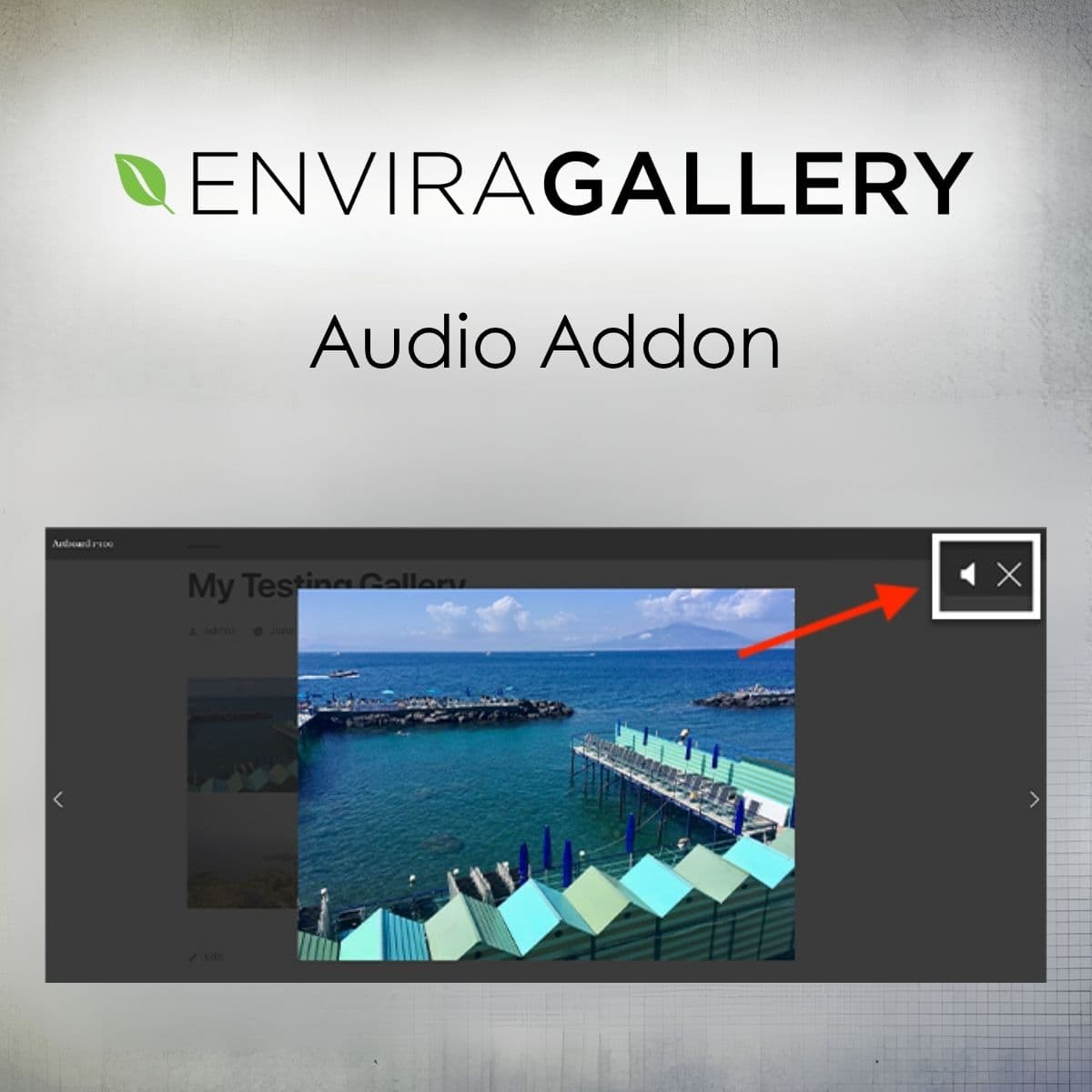
Integrate audio seamlessly into your Envira galleries.
Envira Gallery - Audio Addon
Enhance your Envira galleries with audio tracks, allowing for immersive experiences with background music or narration.
Included with purchase:
- 100% GPL Licensed
- Lifetime Updates
- Technical Support
- Instant Download
Download for Free
Get this product and unlock 4,500+ premium plugins & themes for just $15.00/month.
What is Envira Gallery - Audio Addon?
Envira Gallery - Audio Addon enables WordPress users to enrich their galleries with audio. Attach background tracks or individual sounds to images, enhancing the viewer's experience. Available at PluginTheme.net with instant download and GPL license.
Key Features
Gallery and Album Audio
Add an audio track to a whole gallery or album from a dedicated Audio tab.
Lightbox Playback
Audio plays inside the Envira lightbox as visitors browse your images.
Media Library Files
Select the audio file directly from your WordPress media library.
Autoplay
Start the audio automatically when the lightbox opens.
Loop
Repeat the track continuously for ongoing background sound.
Who is this for?
Pros
- Easy to install and use
- Enhances user engagement
- Supports various audio formats
- Flexible playback options
Cons
- •May require planning for audio integration
- •Potential impact on loading times with multiple files
Product Description
The Envira Gallery - Audio Addon is built for WordPress users who want to add an audio layer to their visual content. It is an addon for the Envira Gallery plugin, so Envira Gallery must be installed and active before you can use it.
Installation and Setup
Install and activate the Audio Addon after Envira Gallery. In your gallery or album editor you will find a new Audio tab with the audio settings.
Audio Features
The addon allows you to:
- Add Audio to Galleries and Albums: Enable audio for a gallery or album and select the file from your media library.
- Play Audio in the Lightbox: The track plays while visitors view images in the Envira lightbox.
- Control Autoplay: Choose whether the audio starts automatically when the lightbox opens.
- Loop the Track: Repeat the audio continuously.
Use Cases
- A photographer showcasing a wedding album with a romantic soundtrack.
- An artist presenting a portfolio of paintings with narration explaining the inspiration behind the work.
- A business displaying products with background music that matches its brand identity.
Technical Notes
Playback is handled by the Howler.js audio library, and the addon ships with minified scripts to keep gallery loading light.
Conclusion
Adding audio to your Envira galleries can make a presentation more engaging. The Audio Addon is a straightforward way to do it. Available at PluginTheme.net with a GPL license.